
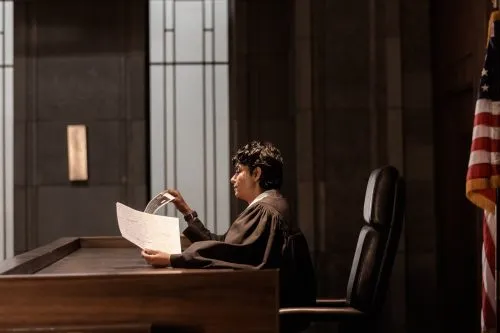
If you are represented, a lawyer will tell you whether your appearance is in person or virtual. If it is virtual, we recommend that:
Before the Hearing and Attire
- Traditional business attire is recommended
- Litigants check and familiarize themselves with their software before the hearing
- Zoom link should be available on Case Center, which your lawyer will forward to you
- Dial in at least 10 minutes in advance of the hearing, where you will wait in a virtual “waiting room”
- Do not record any of the hearing, or take any screenshots
Virtual Courtroom Etiquette
- Find an appropriate place to conduct the hearing – Join from a quiet area, where there are no others. Ensure that there are no children present who can overhear the court appearance
- Your screen name should be your given name and your surname (All participants at the hearing can see your display name)
- If possible, use earphones that have a built-in microphone
- Mute yourself when you are not speaking. This reduces echo and background noise
- Do not eat during the hearing
- Do not walk away from your screen or put your feet up on the table/chair
- During the video conference, mute notifications on your computer/device
If you need assistance with an upcoming virtual appearance, contact our family lawyers.